


How to Create and Edit Files via SSH
There are several ways to create a file through SSH. In this article, we will present the file creation with two types of word processors.
- nano
- vim
If you are editing files from a cumbersome command line, we recommend that you create a file via FTP, you can use this description below:
Create and modify a file via FTP
The following description is just an example of how to create or modify a file using SSH. Following the description, make sure you create the file at the right place. If you modify it, edit the file you want.
CREATING A FILE USING NANO
- Log in to the server on SSH.
- Navigate to the directory where you want to create or edit the file.
- Next, type
thethenanonano command and then divide by space, enter the name of the file you want to create/edit.[server] $ nano .htaccess 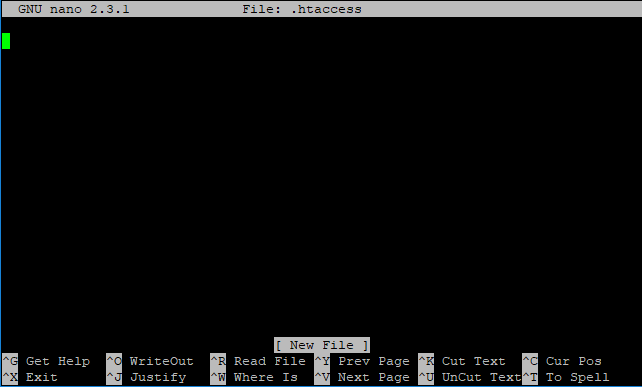
Next, start typing the contents of the file.- When you have uploaded the file with the required content, hold down
thethe Ctrlthethe O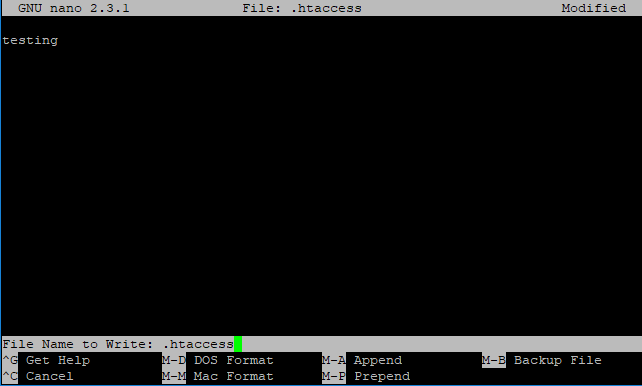
At the bottom of the screen, the editor will ask you again about the name of the file you previously specified. - You can confirm the file by pressing Enter.
PressPress Ctrl+X
CREATING A FILE USING VIM
- Log in to the server on SSH.
- Navigate to the directory where you want to create or edit the file.
- Next, type
thethevimvim command, and then divide by space, enter the name of the file you want to create/edit.[server] $ vim .htaccess 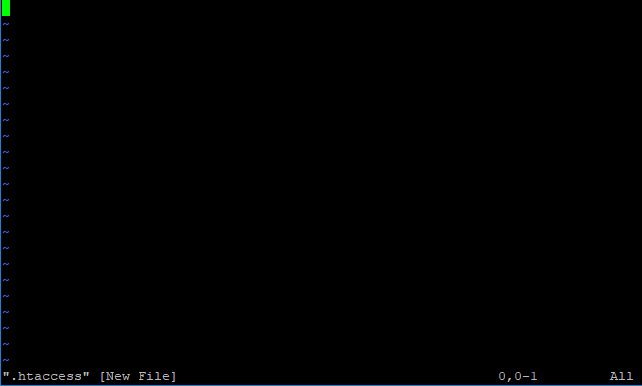
After the word processor starts, you can upload the file by pressingthethe i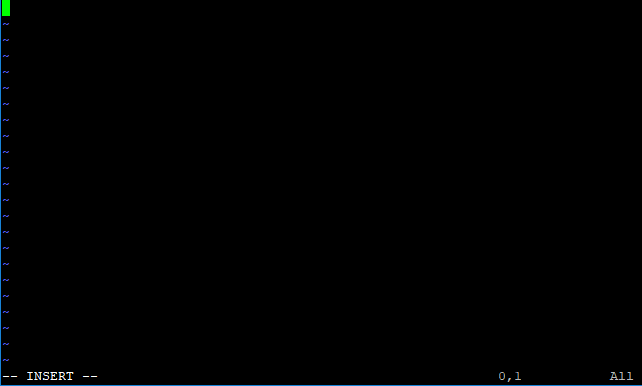
- When you upload the file with the required content,
useuse Esc 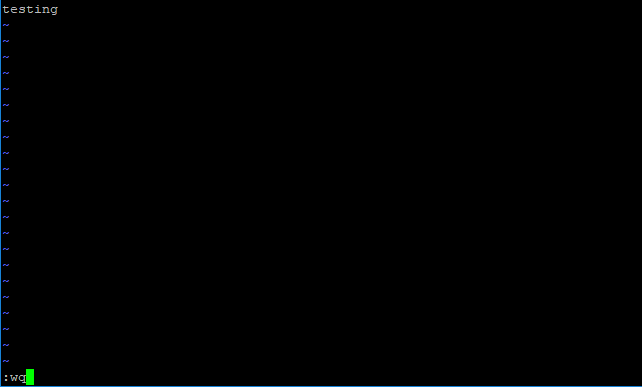
To save the file,typetype :wq, and then usethethe Enter key to save the file.