


New .hu registration - Business (company, organization, private enterpreneur)
WHO CAN REGISTER A .HU DOMAIN NAME?
"Domain Applicants may be citizens or legal entities of any country, provided that no applicable law precludes persons from those countries from applying for a domain name.
An Applicant who does not belong to one of the following groups:
anyacitizenlegal person or a national of a Member State of the European Union,of athe Council of Europe,anthe EEA orEFTA country,EFTA, or of aneighbouringcountryofborderingHungary,Hungary
established by virtue of law,
entered in the records of or registered with an authority or court, or
inis eligible to apply if it carries out or starts an economic or other activity that justifies the territory of the European Union,use of a Council.hu ofdomain Europe,name. anUpon EEArequest by the Registry or EFTAthe countryRegistrar, orthey ashall neighbouringprovide countryappropriate ofevidence Hungaryto that effect."
Source:
Delegation of domains directly under a second level public domain may be applied for by any domestic or foreign natural person or legal entity.https://www.domain.hu/domain-registration-policy/
CHECK DOMAIN AVAILABLE
Before registering a domain name, you should verify that the domain name you are trying to register is not yet registered.
You can start checking on https://admin.dotroll.com using the search box under Begin the search for your perfect domain name….
Enter the domain name in the search box without any prefixes (http://, https://, www.), and then click the Search button. The system also verifies that other domain name endings have this option for registering a domain name.
ORDER A .HU DOMAIN
- If the domain name you choose is not yet registered, click Add to Cart, followed by the Checkout button.
- On the next page you have the option to choose a hosting service for the domain name you want to register, or you can set the name of the domain name to be registered. After you have made the settings, click Continue → button.
- he system will display a summary of the order where it is possible
- you can modify the domain name registration period
- you can cancel the order
- you can also start an additional order
- if you have a promotional code, you can specify it
If all settings are correct, click the Checkout → button.
- You can then enter contact details for the domain name (owner, administrative or technical contact). For each order, you can use previously-entered contacts, but you also have the option to enter a new contact for each domain name.
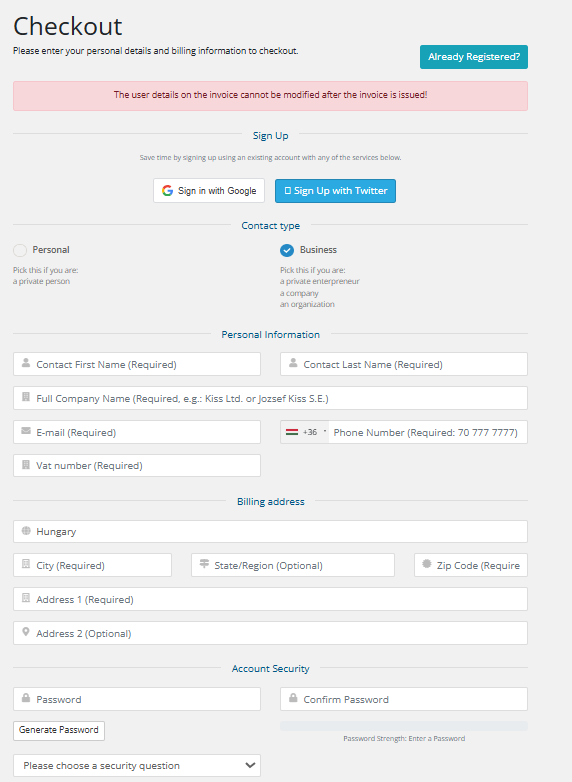
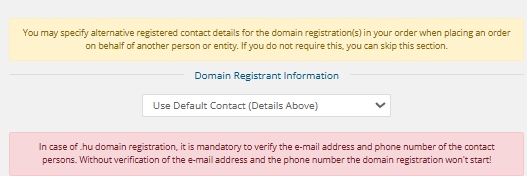
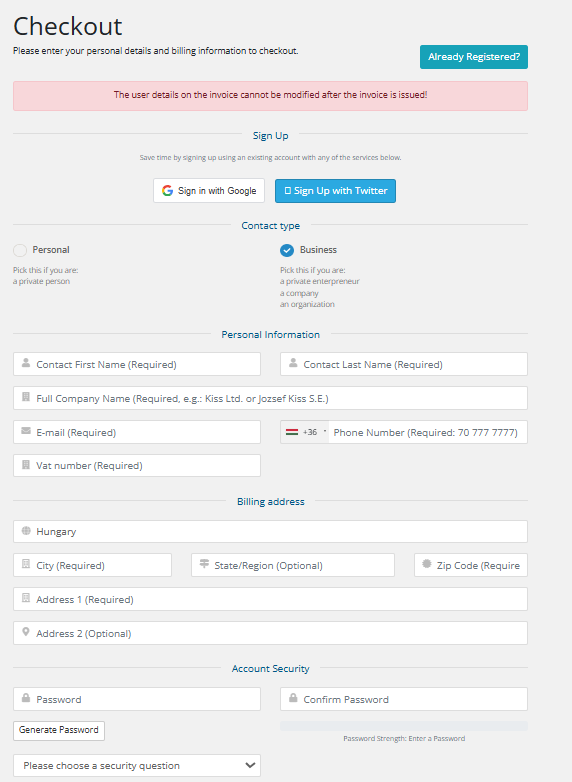
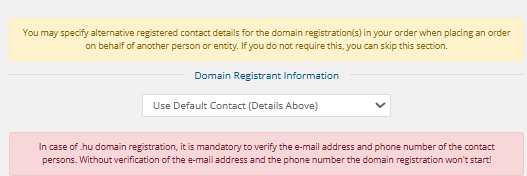
It is essential that (if your email address and phone number have not been verified in the past year) for a .hu domain registration, it is mandatory to confirm your email address and phone number. Please provide a valid and actively used contact! Without verification, the domain registration will not proceed!
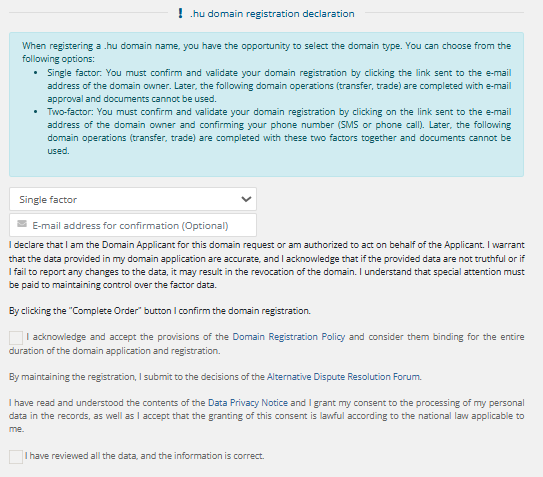
Future modifications must be confirmed using a factor rather than document-based verification. The first factor is always the email address, and in the case of two-factor authentication, the second factor is always the phone number.
At the bottom of the page, you must choose a payment method that may be one of the following:- CreditCard via PayPal
Next, check the box next to I have read and agree to the Terms of Service and then click the Complete Order → button.